Trezor Suite + Solana Staking: Beat the Clock, Keep the Keys (2026)
Custody is not “which brand logo is on the USB stick.” It is whether your operators can execute under pressure. Trezor Suite’s Solana staking flow adds a countdown timer—miss it and you are back to square one. This playbook frames Suite staking as an operational procedure: firmware first, timer discipline second, epoch liquidity third.
Diagram: custody boundary across Suite → device → chain
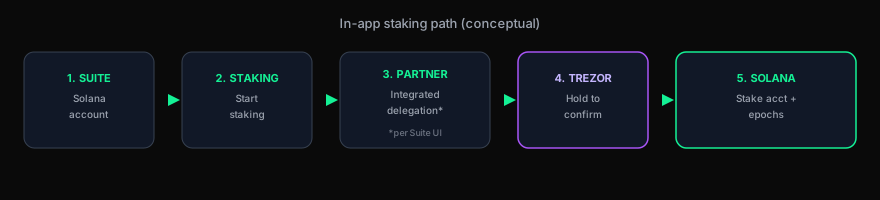
CryoVault schematic for reviewers—not a Trezor trademark asset. Confirm partner naming in live Suite.
Why teams still pick Trezor for Solana ops
Open-source firmware philosophy matters to security programs that audit supply chains. Pair that with Suite’s integrated staking UX (vs stitching browser wallets), and you get fewer moving parts—if you accept Suite’s integrated partner route for delegation. Trezor’s public guide references a staking partner (Everstake in current copy); your policy should name who is allowed to approve that path.
Canonical reference: Trezor — Staking Solana in Trezor Suite.
Signing window (operational fascinations)
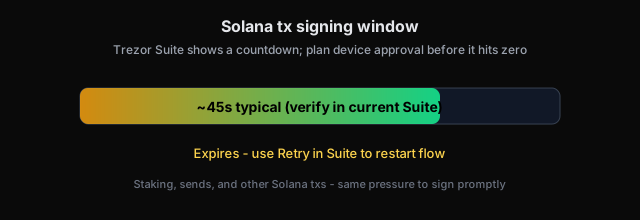
- Retry is not failure: expired txs are expected if humans hesitate—log why and re-run.
- Same timer class: sends and other Solana ops can hit the same constraint—not only staking.
- Clear signing culture: Trezor Safe lines emphasize readable prompts—still verify every field against policy.
Official Trezor UI reference (timer step):
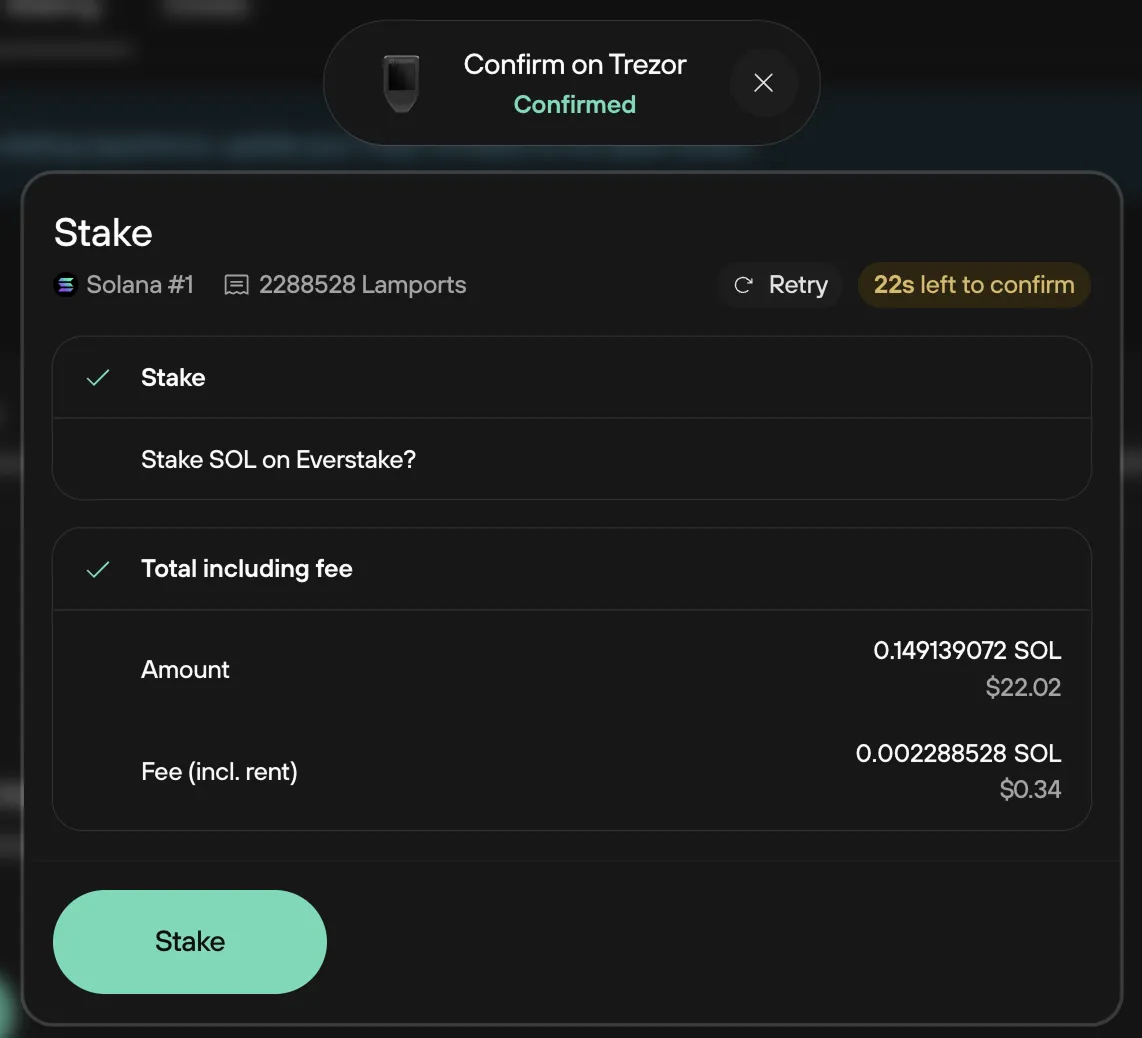
Image © Trezor — from their staking guide.
Liquidity & epochs (board-room language)
| Phase | Custody note |
|---|---|
| Warm-up | ~1 epoch (~2 days in Trezor docs) before rewards fully reflect—treasury forecasts must exclude that SOL from “available today.” |
| Unstake | Another ~epoch cooldown; plan vendor payments or rebalancing before urgency hits. |
| Claim | Explicit Claim step returns spendable balance—document who may initiate it under your access matrix. |
Open-source vs. integration trust
Trezor’s model trades some integration trust (Suite + partner path) for transparency in firmware. Map that to your vendor risk register alongside Ledger-class closed firmware decisions—see hardware wallet audit 2026.
Related
Trezor Solana staking FAQ · Ledger staking playbook · Trezor open-source security
Standardize hardware before you stake at size
Safe 5 and Safe 7 remain common picks for teams that want modern screens and Solana headroom. Use official purchase paths.
Trezor Safe 5 (affiliate) → Trezor Safe 7 (affiliate) →Download Trezor Suite →
Disclosure: CryoVault Solutions may earn affiliate commissions on qualifying Trezor purchases. Content is informational—not legal, tax, or investment advice.